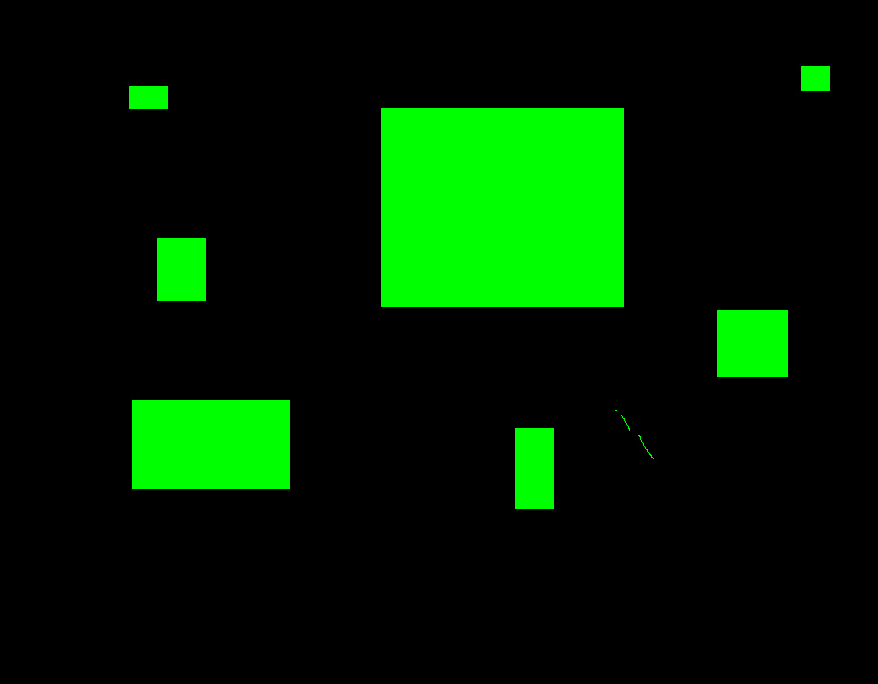
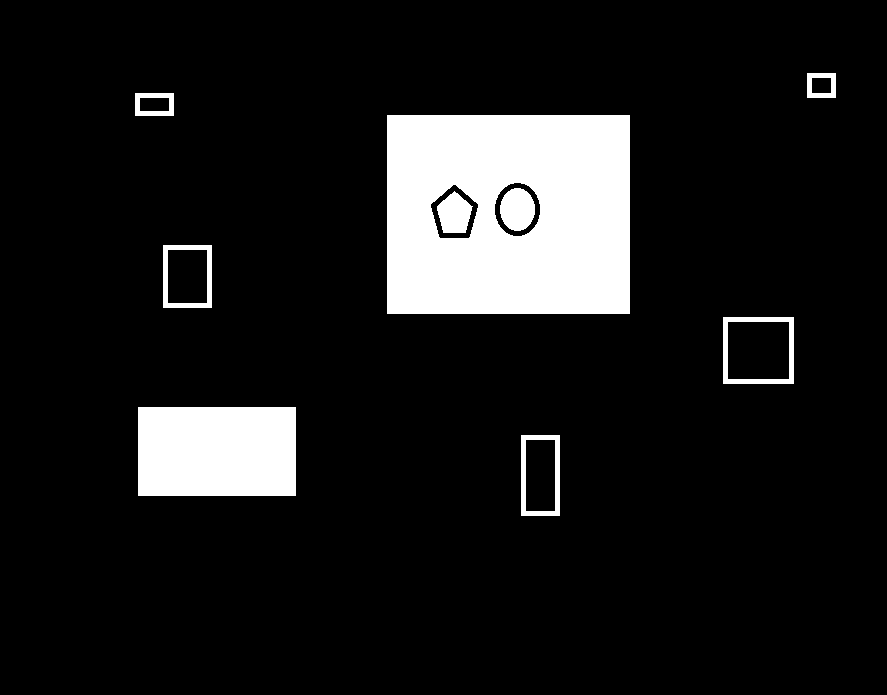
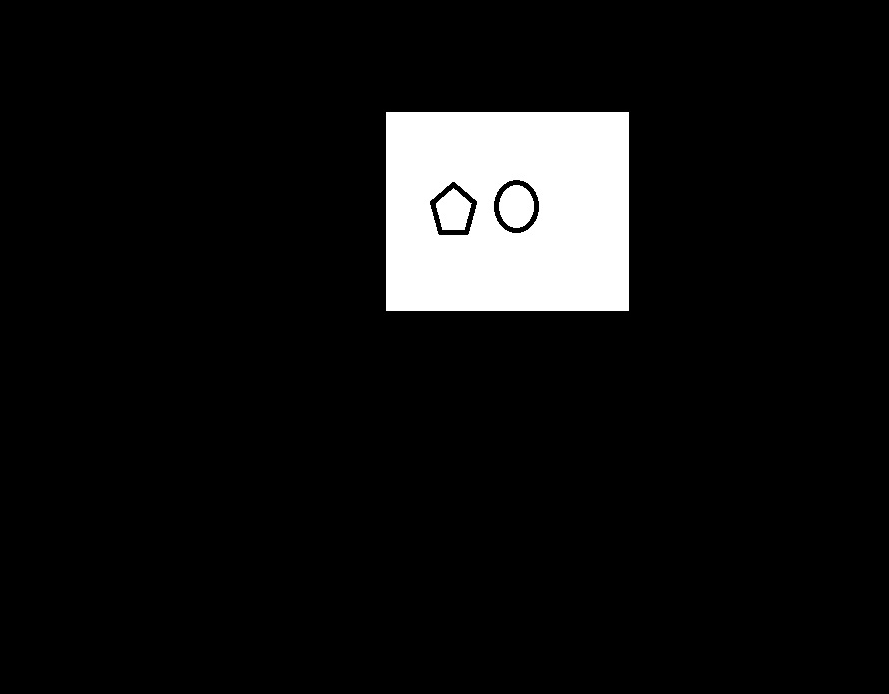
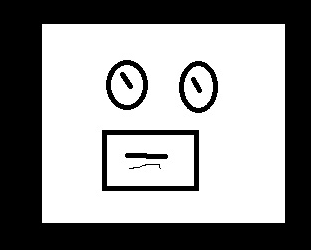
opencv-轮廓查找和简单操作

一、环境说明

  • 系统:win10
  • 环境:python3.7
  • 框架:opencv

二、函数说明

2.1 cv2.findContours

功能:找轮廓

  • mode
    • cv2.RETR_EXTERNAL:只检测最外层轮廓
    • cv2.RETR_LIST:检测所有轮廓保存到列表
    • cv2.RETR_CCOMP:检测所有轮廓,并将他们组成双层轮廓
    • cv2.RETR_TREE:检索所有轮廓并重新建立网状轮廓结构
  • mathod
    • cv2.CHAIN_APPROX_NONE:输出轮廓的所有点
    • cv2.CHAIN_APPROX_SIMPLE:压缩后的点,只要是直线,都会被省略

(完全没有opencv书上写的细,在书上362页)

2.2 cv2.drawContours

功能:画轮廓

  • image:画板,必须要三维
  • contours:对应轮廓
  • contourIdx:轮廓Id,如果为-1,则绘制所有轮廓
  • color:像素值,例如(0,0,255)
  • thickness:线条粗细,如果为-1,则对内部进行填充

三、测试样例

3.1 绘制最外层轮廓

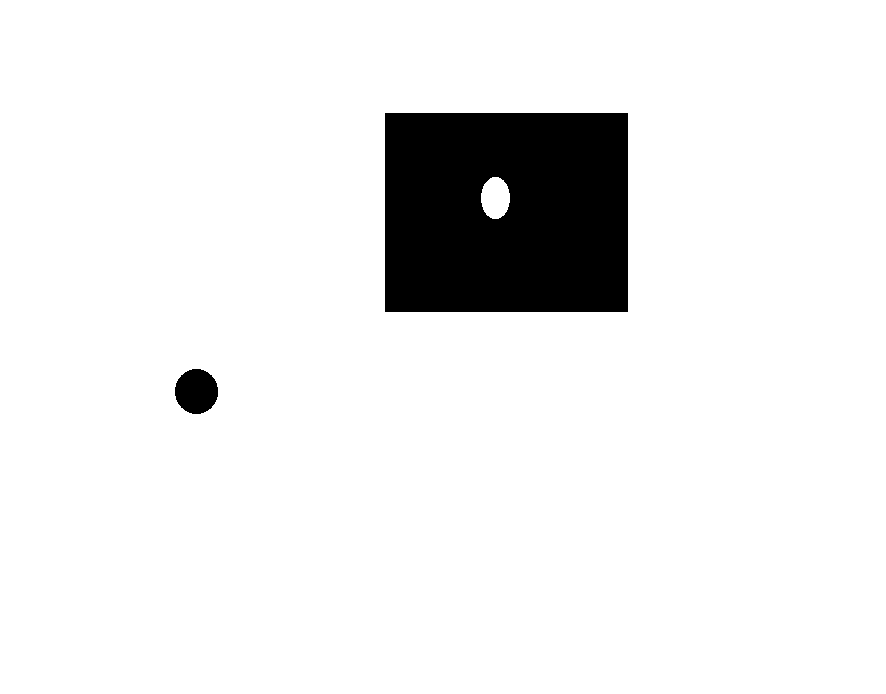
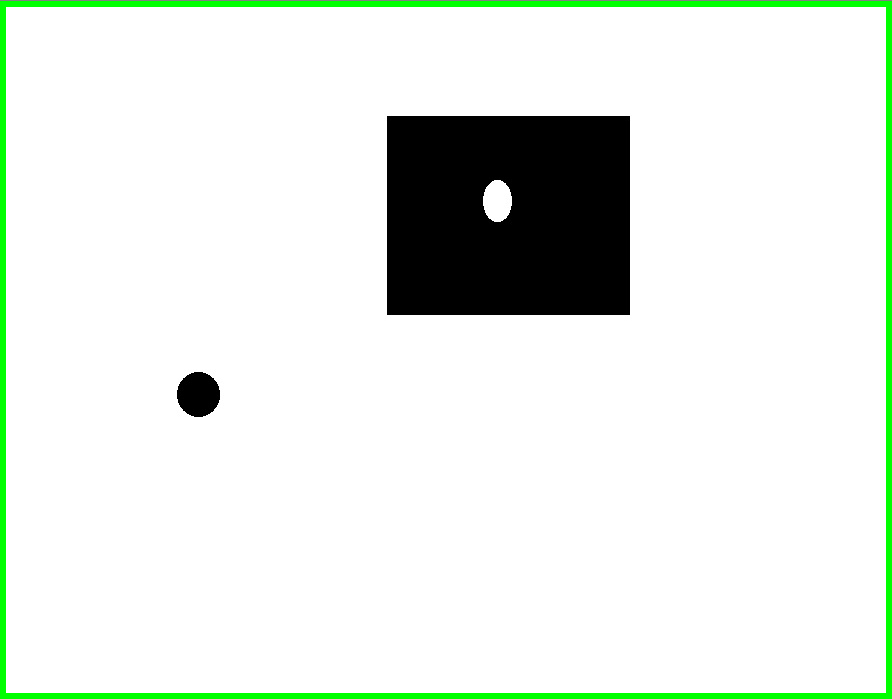
  • 第一种情况(如果背景是白色,则图片边缘为最外层边框)

1575188090736

1575188131308

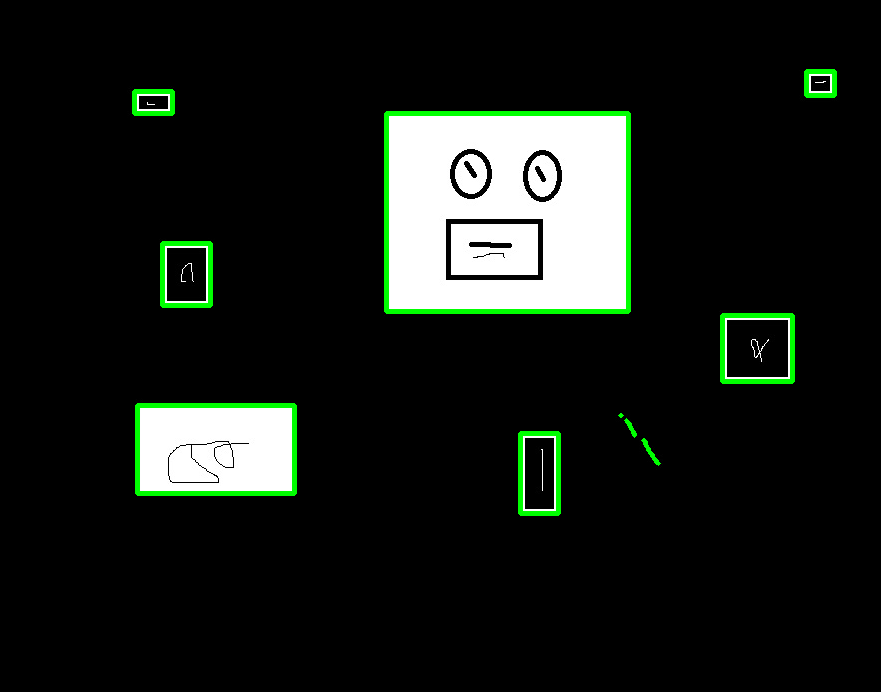
  • 第二种情况(如果背景是黑色,则内部第一个不为黑色的区域为边框)

1575207276629

1575207292559

  • 代码
1
2
3
4
5
6
7
8
9
10
11
12
13
import cv2
import numpy as np

image = cv2.imread("img/test.jpg")

gray_image = cv2.cvtColor(image,cv2.COLOR_BGR2GRAY)
ret, gray_image = cv2.threshold(gray_image, 127, 255, 0)
_, contours, hierarchy = cv2.findContours(gray_image,cv2.RETR_EXTERNAL,cv2.CHAIN_APPROX_NONE)

cv2.drawContours(image,contours,-1,(0,255,0),thickness=10)

cv2.imshow("0",gray_image)
cv2.waitKey(0)

注:当thickness==-1的时候,则填充内部,如下:

1575207352658

3.2 移除小矩形

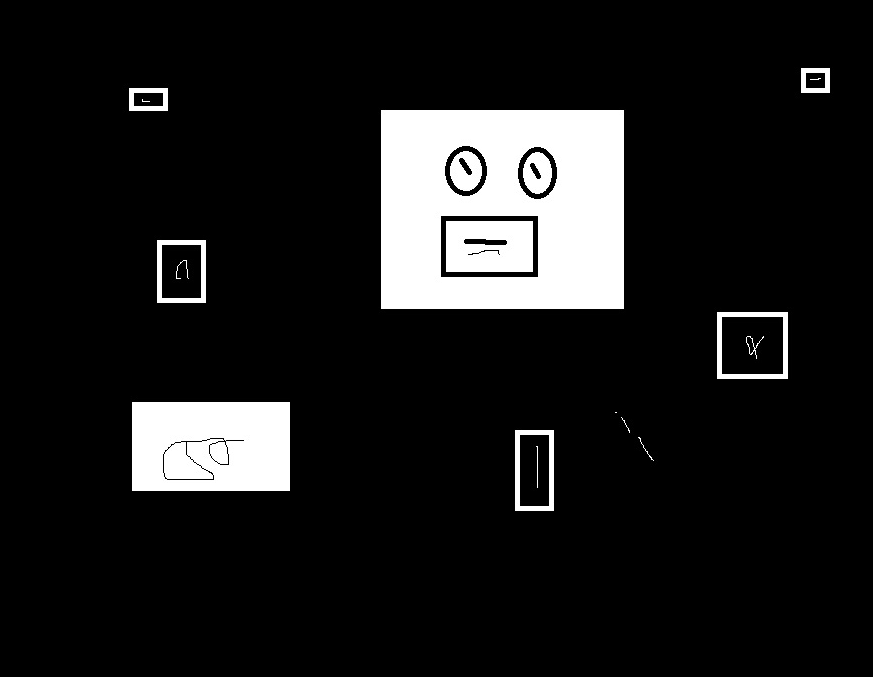
目标:当需要保留图片主体部分时,需要去掉相片中的干扰

1575190611813

输出

1575190635692

代码

1
2
3
4
5
6
7
8
9
10
11
12
13
14
15
16
17
18
19
20
21
22
23
24
25
26
27
28
29
30
def removeSmallArea(image):
# 背景一定要是黑色,不是黑色的要取反
temp_image = np.copy(image)

gray_image = cv2.cvtColor(image, cv2.COLOR_BGR2GRAY)
ret, gray_image = cv2.threshold(gray_image, 127, 255, 0)

# 求取轮廓
_, contours, hierarchy = cv2.findContours(gray_image,cv2.RETR_EXTERNAL,cv2.CHAIN_APPROX_NONE)

# 判断轮廓数量
if len(contours) <= 1:
return cv2.cvtColor(temp_image,cv2.COLOR_BGR2GRAY)

# 找到最大轮廓的index
maxSize = 0
maxIndex = 0
for index,contour in enumerate(contours):
temp = cv2.contourArea(contour)
if temp > maxSize and temp >= 1:
maxSize = temp
maxIndex = index

# 不是最大轮廓的,全部涂黑
for index,contour in enumerate(contours):
if index == maxIndex:
continue
cv2.drawContours(temp_image,contours, index,(0,0,0),thickness=-1)

return cv2.cvtColor(temp_image,cv2.COLOR_BGR2GRAY)

3.3 移除最内侧轮廓

原图:

1575207973231

移除后:

1575207986217

代码说明:

先使用深度优先遍历找到对应深度的轮廓,再使用2.2的函数进行轮廓填充,代码如下:

1
2
3
4
5
6
7
8
9
10
11
12
13
14
15
16
17
18
19
20
21
22
23
24
25
26
27
28
29
30
31
32
33
34
35
36
37
38
39
40
41
42
43
44
45
46
# -*- coding: utf-8 -*-
# @Time : 2019/12/1 14:39
# @Author : zwenc
# @File : main.py
import cv2
import numpy as np

def SearchTree(hierarchy, index, deep, outList, start=0):
if index == -1:
return

if deep <= start:
outList.append(index)

SearchTree(hierarchy, hierarchy[index][2], deep, outList, start + 1)
SearchTree(hierarchy, hierarchy[index][0], deep, outList, start)

def getContourByDeep(hierarchy, deep):
outlist = []
SearchTree(hierarchy[0], 0, deep, outlist)
return outlist

def removeInnermostArea(image):
# 背景一定要是黑色,不是黑色的要取反
temp_image = np.copy(image)
gray_image = cv2.cvtColor(image, cv2.COLOR_BGR2GRAY)

ret, gray_image = cv2.threshold(gray_image, 127, 255, 0)
# 求取轮廓
_, contours, hierarchy = cv2.findContours(gray_image, cv2.RETR_TREE, cv2.CHAIN_APPROX_NONE)

outlist = getContourByDeep(hierarchy,3)

if len(outlist) > 0:
for contourIndex in outlist:
cv2.drawContours(temp_image, contours, contourIndex, (255, 255, 255), thickness=-1)

return temp_image

image = cv2.imread("img/test.jpg")

out_image = removeInnermostArea(out_image)

cv2.imshow("0", image)
cv2.imshow("1", out_image)
cv2.waitKey(0)
-------------本文结束感谢您的阅读-------------
0%